Speak. Polish. Paste.
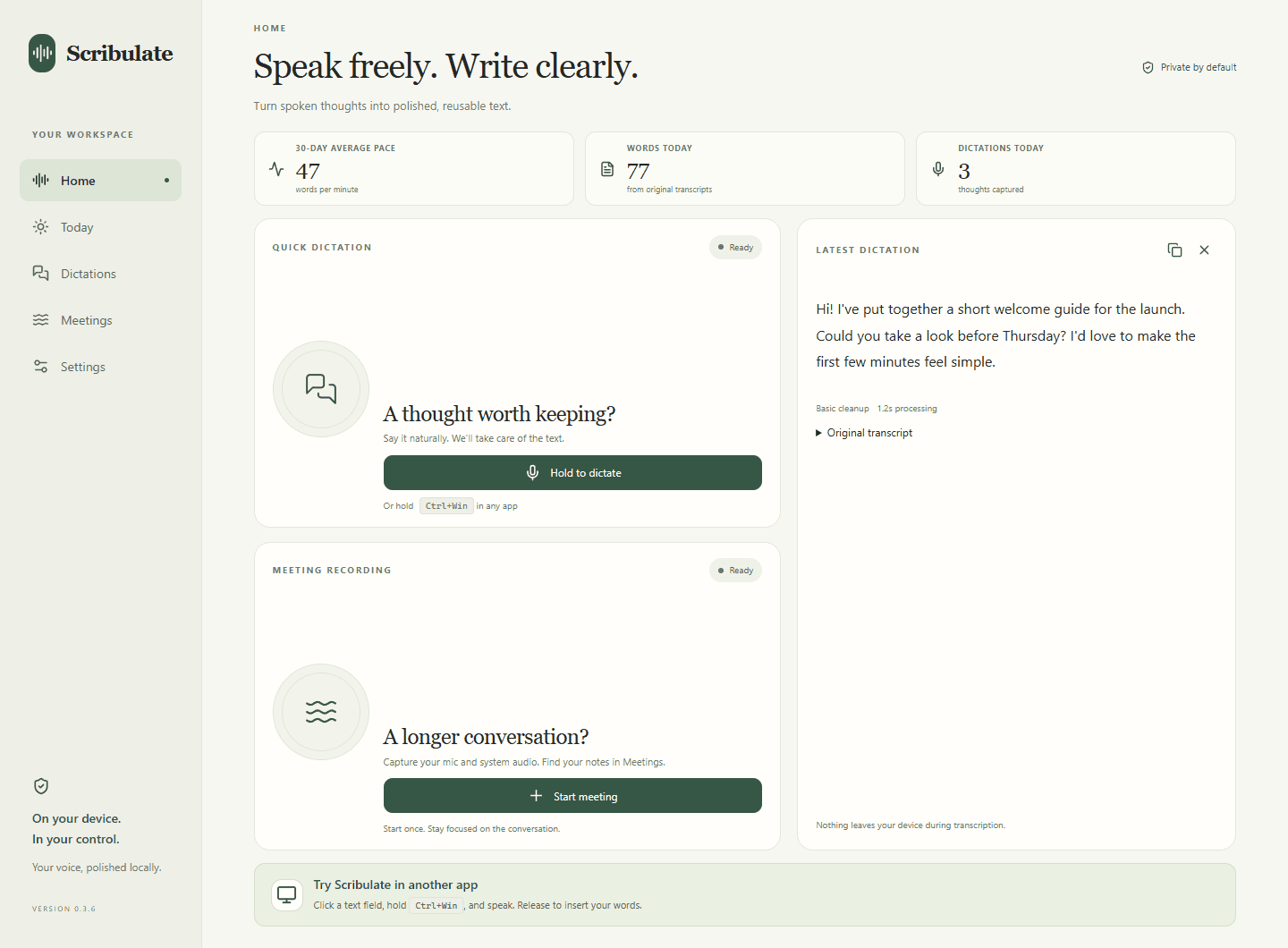
Hold your shortcut and speak naturally. Scribulate turns your words into clean text, copies it, and attempts to paste into your focused app.
For the words you write every day Scribulate
Your thoughts, without the typing.
Private dictation and meeting notes, polished right on your computer.
Free to get started · No account needed · Local processing
Room for your thoughts
A quick reply. A new idea. A conversation worth keeping.
Give your voice somewhere useful to land.
Hold your shortcut and speak naturally. Scribulate turns your words into clean text, copies it, and attempts to paste into your focused app.
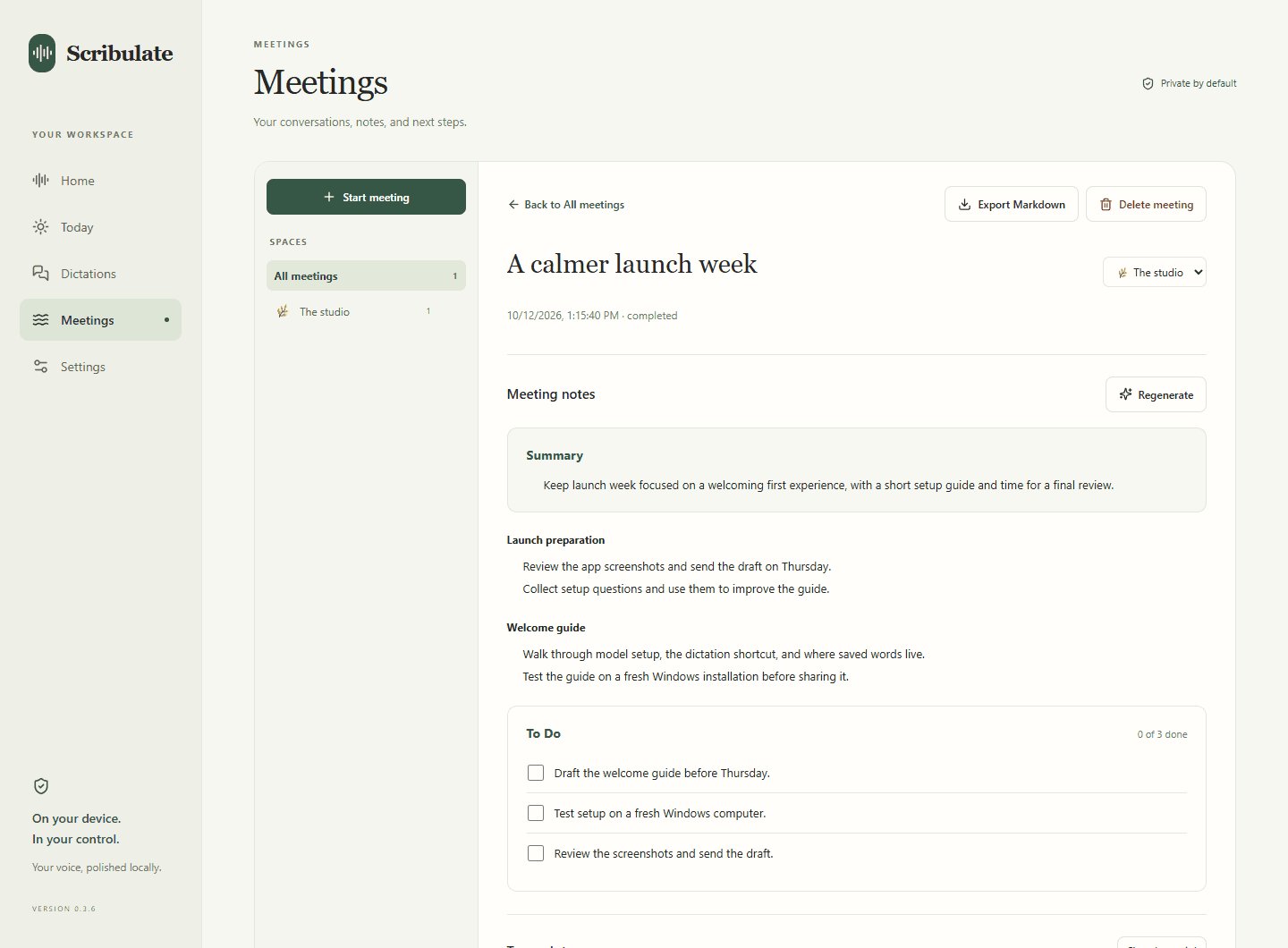
For the words you write every dayCapture microphone and system audio. After you stop, turn the transcript into notes you can search, revisit, and export as Markdown.
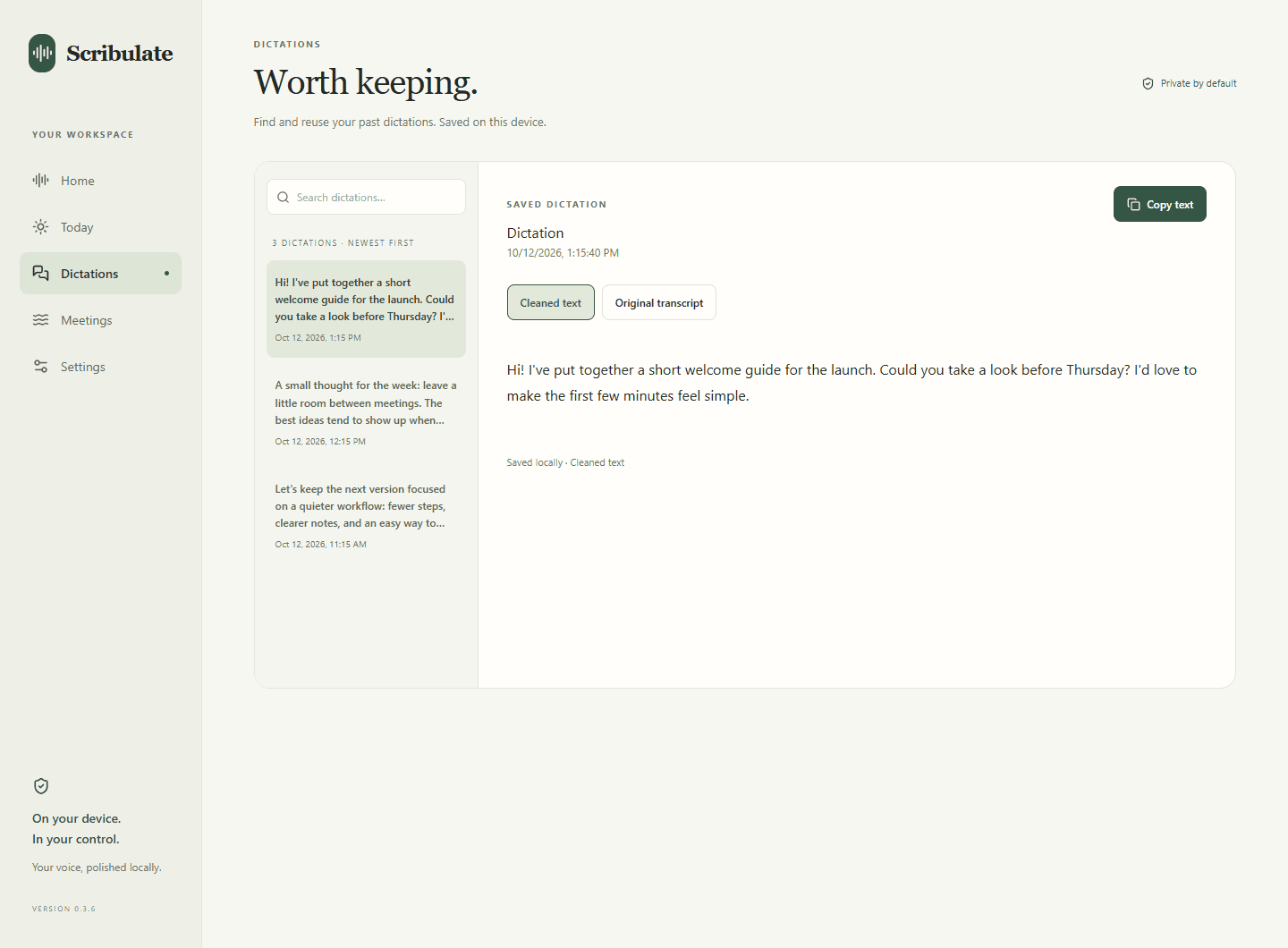
For the ideas you want to keepSpeech recognition and text cleanup run locally after setup. Your notes live on your device, with raw-audio retention under your control.
For a little more peace of mindA little room to breathe
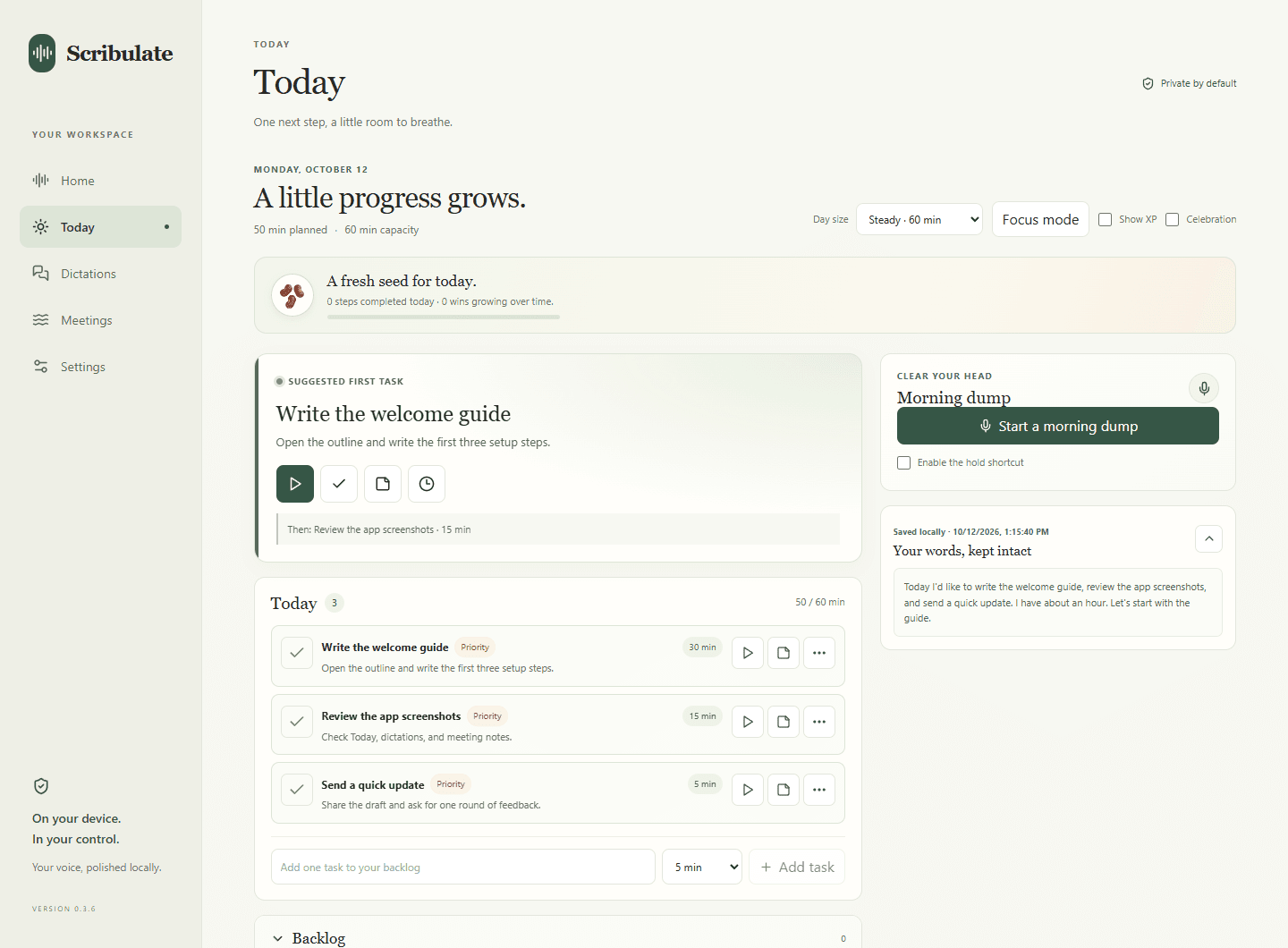
A busy mind doesn’t need another blank task list. In Today, speak a brain dump, then review and edit the tasks Scribulate suggests. Your original transcript stays there to revisit.
Plan the time you have, choose a next step, and start a task timer. Pause when you need to. Track time and overtime, with check-ins while the app is open.
Capture a brain dump with local speech recognition after model setup.
Review suggested tasks, adjust estimates, and choose what fits today.
Start a timer, pause, and return when you’re ready.
From thought to text
Keep your writing app in focus and hold your dictation shortcut. Choose the keys that feel natural to you in Settings.
Speak at your own pace. An email, a reply, or the idea you don’t want to lose.
Wait for local processing, review the result, and keep writing. Your dictation is saved for later.
Local by design
You shouldn’t need a cloud account to get a thought onto a page. Scribulate brings the speech and text models to your computer.
Read the privacy policyProcessing stays here.Dictation and AI text processing run locally after model setup.
You choose what to keep.Raw audio is removed after normal processing unless you opt to retain it.
Clear about the details.Setup and updates need internet. Saved notes are local, but are not encrypted by the app.
A few good questions
Speak a brain dump and turn it into editable tasks while keeping your original transcript. Choose how much time you have, review suggested estimates, and focus on one task with a timer. You can pause, track overtime, and receive check-ins while the app is open. Review AI suggestions before relying on them.
After installing the local models, dictation, transcription, and text processing run on your computer. Model downloads and user-requested update checks and downloads need internet access.
No. Scribulate works without an account, API key, Ollama, or a separate server. Accounts and optional paid features are planned for a later version.
You can. Granola focuses on meeting transcription and notes; it isn’t a general-purpose dictation tool for typing into other apps. Scribulate combines meeting notes with everyday voice typing for emails, messages, and documents. Granola offers a free plan and privacy controls, but uses external providers for transcription and AI processing. With Scribulate, speech recognition and text processing stay on your computer after model setup. The current app is free to download and use, with no account, subscription, or API key required.
Compare their published privacy details and available plans.
You can. Wispr Flow offers a free tier and privacy controls, but processes speech in the cloud. Scribulate is for people who want to dictate without sending their audio to a hosted AI service. Speech recognition and text cleanup run on your computer after model setup, so you can write offline. The current app is free to download and use, including dictation and meeting notes, with no account or subscription required. Read the privacy walkthrough →
Compare their published privacy details and available plans.
Raw audio is deleted after normal processing by default. You can choose to retain it in Settings. Saved dictations, transcripts, and notes remain locally until you delete them. Interrupted processing can leave audio files behind.
Yes. Scribulate captures your microphone and system audio. Stop the recording to transcribe it, then generate notes in your vault. Me/Them labels identify the audio source, not individual speakers. Make sure participants know about and consent to recording where required. See how local meeting notes work →
Visit the download page for available versions and setup details. More platforms are on the horizon; each will appear there when it is ready. See downloads →
Your next thought is a good place to start
Set up once. Make room for your voice.